
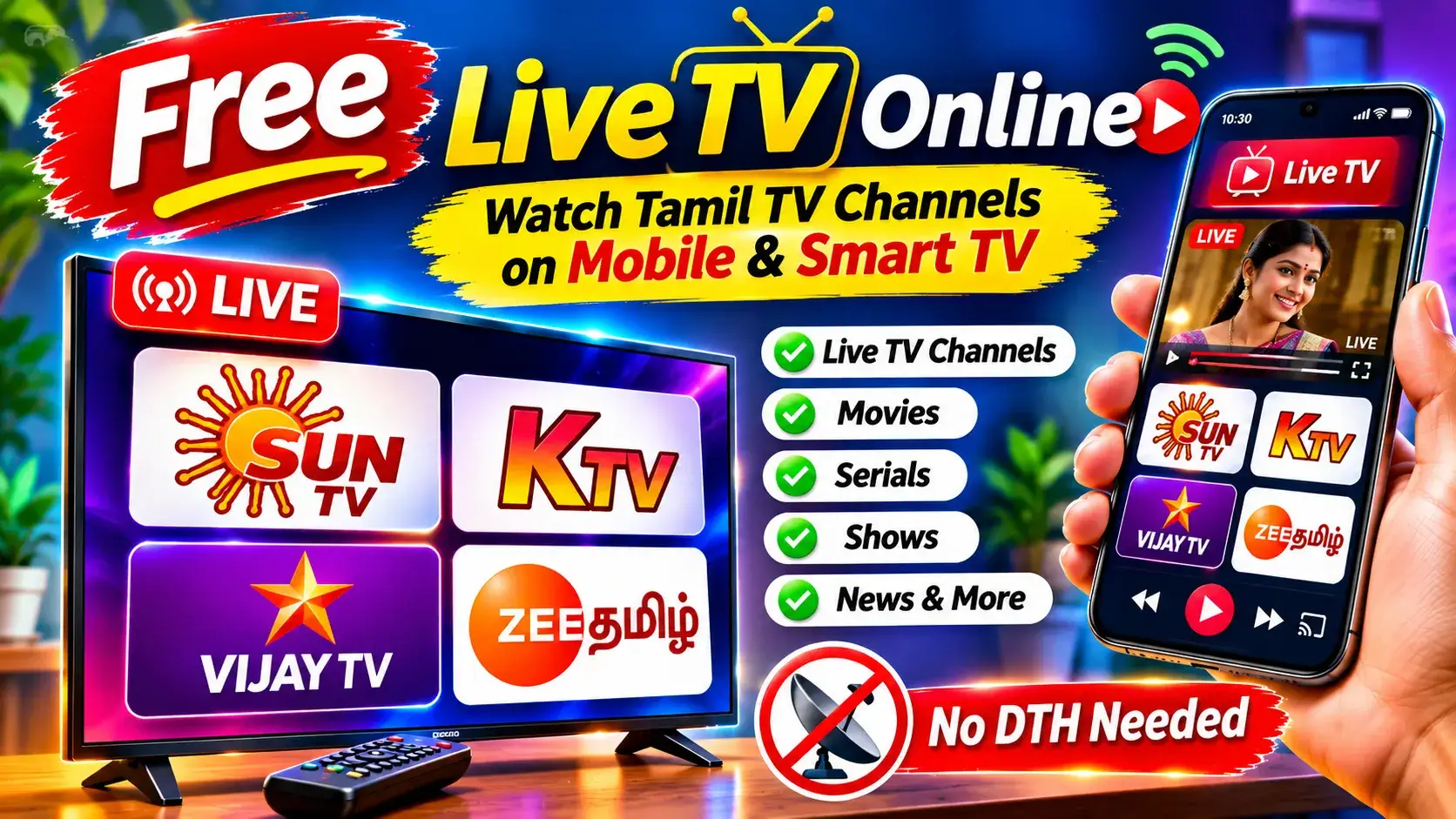
Watching television has become easier than ever with the growth of online streaming technology. Today, people do not always need a traditional cable connection or DTH setup to access television content. With an internet connection and a compatible device, users can explore different TV channels online.
Many viewers search for ways to watch their favourite Tamil television channels, including Sun TV, KTV, Star Vijay, and Zee Tamil, through their smartphones and computers.
Online Live TV directories provide a convenient way to discover television channels from different categories, languages, and regions.
In this article, we will explore online Live TV streaming, popular Tamil television channels, available features, how to access channels on different devices, and important safety information.
What Is Free Live TV Online?
Free Live TV online refers to watching television programmes through an internet connection without necessarily having a traditional cable or DTH connection.
Instead of receiving television signals through a dish antenna or cable network, users can access supported television streams through a website or mobile application.
Online television services may provide different categories of content, such as:
- Entertainment television channels
- Tamil movie channels
- News channels
- Music channels
- Sports channels
- Kids’ entertainment
- Devotional programmes
- International television channels
- Regional language channels
However, free access depends on the broadcaster’s streaming rights and the platform’s subscription policy. Not every television channel is available for free online.
Popular Tamil TV Channels You Can Explore
Tamil television has a wide variety of entertainment channels. Different channels focus on serials, movies, reality shows, comedy programmes, and family entertainment.
Here are four popular Tamil television channels that viewers frequently search for online.
1. Sun TV
Sun TV is one of the well-known Tamil entertainment television channels operated by Sun TV Network.
It is popular for:
- Tamil television serials
- Family entertainment programmes
- Reality shows
- Special festival programmes
- Celebrity interviews
- Entertainment events
Viewers looking for Sun TV content online can explore the official Sun NXT streaming platform.
Official Website: https://www.sunnxt.com/
2. KTV
KTV is a Tamil movie television channel from Sun TV Network.
It mainly focuses on Tamil cinema and movie entertainment.
Popular content categories include:
- Tamil movies
- Action films
- Comedy movies
- Family entertainment films
- Classic Tamil cinema
- Movie-based programmes
KTV is also listed on the official Sun NXT platform.
Official Streaming Page: https://www.sunnxt.com/live/32138/KTV
3. Star Vijay TV
Star Vijay is a popular Tamil entertainment television channel.
Many viewers follow it for television serials, reality programmes, comedy shows, and entertainment competitions.
Some popular programme categories include:
- Tamil serials
- Reality television
- Singing competitions
- Comedy programmes
- Celebrity shows
- Special entertainment events
For official viewing options, check the broadcaster’s current streaming and subscription availability.
4. Zee Tamil
Zee Tamil is another popular Tamil entertainment television channel.
It is known for its serials, reality shows, family entertainment, and special programmes.
Popular content categories include:
- Family serials
- Reality shows
- Cookery programmes
- Entertainment competitions
- Special festival programmes
- Celebrity interviews
ZEE5 provides an official Tamil Live TV section where viewers can explore Zee Tamil and other Tamil channels.
Official Website: https://www.zee5.com/ta/live-tv/lang/tamil-channels
What Types of Channels Can You Find Online?
Online television directories may organise channels into different categories. This makes it easier for viewers to find the type of content they want.
Entertainment Channels
Entertainment channels offer television serials, reality programmes, family shows, celebrity interviews, and special events.
These channels are popular among viewers who enjoy watching daily television programmes.
Movie Channels
Movie channels focus on films from different languages and genres.
Some common categories include:
- Tamil movies
- Telugu movies
- Hindi movies
- Malayalam movies
- English movies
- Classic films
- Action and comedy films
News Channels
News channels help viewers follow current affairs, political developments, business news, sports updates, and local news.
Tamil viewers can also explore official YouTube Live streams provided by news broadcasters.
Music Channels
Music television channels provide entertainment through songs, music videos, film songs, and special musical programmes.
Kids’ Channels
Kids’ television channels offer cartoons, animated programmes, educational content, and entertainment suitable for younger audiences.
Parents should always check the channel’s content and age suitability.
International Channels
Some online television directories also list channels from different countries.
Availability depends on broadcasting permissions, geographical restrictions, and the source of the stream.
Main Features of Online Live TV Directories
Online Live TV directories advertise several features that make channel discovery easier.
1. Multiple Television Categories
Instead of searching for every channel separately, users can browse available channels according to their categories.
For example, a viewer interested in Tamil entertainment can explore Tamil television listings.
2. Channel Search Facility
A search feature can help users find channels by entering their names.
This is useful when a directory contains a large number of television listings.
3. Regional Language Support
Some platforms provide channel listings in different Indian languages.
Depending on availability, viewers may find Tamil, Telugu, Malayalam, Kannada, Hindi, Bengali, Marathi, and other language categories.
4. Multi-Device Access
Web-based television directories may support different devices, including:
- Android smartphones
- iPhones
- Windows laptops
- Desktop computers
- Tablets
- Compatible Smart TVs
Actual playback depends on browser compatibility and the video format used by the stream.
5. No Separate Dish Antenna Required
Online television uses internet-based streaming instead of a traditional satellite dish connection.
However, this does not mean that every online channel is free or that all broadcasters permit unrestricted streaming.
How to Explore Tamil Live TV Channels on Mobile
If you want to discover Tamil television channels through an online directory, follow these general steps.
Step 1: Open Your Mobile Browser
Open Google Chrome or another trusted browser on your smartphone.
Step 2: Visit the Online TV Directory
Enter the website address in the browser and open the homepage.
Click Here : INSTALL
Step 3: Find the Tamil TV Category
Look for the Tamil TV section or language category.
Step 4: Search for Your Favourite Channel
You can look for channel names such as Sun TV, KTV, Star Vijay, or Zee Tamil.
Step 5: Check the Streaming Source
Before playing a stream, check whether it is provided through an officially authorised broadcaster or streaming partner.
Step 6: Watch Through an Official Source
If the channel is available through an authorised streaming service, open that service and follow its viewing requirements.
Remember that a channel appearing in a directory does not guarantee that its stream is currently working or legally authorised.
How to Watch Online TV on a Laptop or Computer
Watching online television on a computer can be convenient, especially when using a larger screen.
Follow these steps:
- Open Google Chrome, Microsoft Edge, or another updated browser.
- Visit the official website of the streaming provider.
- Find the required television channel.
- Check the subscription or free viewing conditions.
- Select the supported video quality.
- Start playback through the authorised stream.
A stable internet connection and an updated browser can help improve the viewing experience.
Can You Watch Online TV on a Smart TV?
Yes. Many official streaming platforms support compatible Smart TVs.
Depending on the television model, users may be able to access streaming services through an application or supported web browser.
Requirements
- A Smart TV with internet connectivity
- A compatible streaming application
- An active internet connection
- An account or subscription if required
- Supported video playback
Smart TV Viewing Tips
- Connect your television to Wi-Fi.
- Open the television’s official application store.
- Search for the broadcaster’s official streaming application.
- Install the application if it is supported.
- Sign in if required.
- Select the available television content.
Avoid installing unknown applications from unofficial websites.
Official Platforms to Watch Tamil TV Channels Online
If you want a more reliable viewing experience, you should consider official streaming services.
Sun NXT
Sun NXT is an online streaming platform owned and operated by Sun TV Network Limited.
The platform offers television content, movies, originals, kids’ programmes, and music across seven Indian languages.
Tamil viewers can explore its official live television section.
Website: https://www.sunnxt.com/
ZEE5
ZEE5 provides a dedicated Tamil Live TV category.
Users can explore different Tamil entertainment, movie, and news channels through its website or mobile application.
Some Tamil Live TV channels are available free of cost, while others may require a subscription.
Website: https://www.zee5.com/ta/live-tv/lang/tamil-channels
WAVES OTT
WAVES is the official OTT platform of Prasar Bharati.
It offers video-on-demand, live television, radio, live events, and other digital content.
The platform supports multiple devices, including smartphones and Smart TVs.
Website: https://prasarbharati.gov.in/en/waves/
Tata Play
Tata Play provides television channel packages for different languages.
Its Tamil TV packages list channels such as Sun TV, KTV, Star Vijay, and Zee Tamil. These are paid television packages, and prices can change.
Website: https://www.tataplay.com/
Internet Speed Required for Online TV Streaming
A good internet connection is important for uninterrupted television streaming.
The required speed depends on video quality, device compatibility, and the streaming provider.
Some general tips:
- Use a stable broadband or Wi-Fi connection.
- Avoid downloading large files while streaming.
- Close unnecessary applications running in the background.
- Move closer to your Wi-Fi router if the signal is weak.
- Select a lower video quality if buffering continues.
Mobile data usage can increase when watching videos for longer periods, especially at higher resolutions.
If you have a limited mobile data plan, monitor your data consumption before watching for extended periods.
Common Problems While Watching Live TV Online
Sometimes users may experience problems when accessing online television.
Here are some common issues and possible solutions.
1. Video Is Not Playing
Possible reasons include an unavailable stream, an unsupported video format, or a temporary server problem.
Try using the broadcaster’s official application or website.
2. Buffering Problems
Buffering can occur when the internet connection is slow or unstable.
Try restarting your router or switching to a more stable connection.
3. Black Screen
A black screen may appear because of browser compatibility problems or an unavailable stream.
Update your browser and try the official streaming platform.
4. Channel Is Not Available
Some channels may be removed, restricted by location, or unavailable because of broadcasting rights.
Check the broadcaster’s official website for current availability.
5. Website Is Not Opening
Possible reasons include maintenance, server issues, browser problems, or network restrictions.
Avoid downloading unknown applications or changing security settings to access an unverified stream.
Important Safety and Copyright Information
Before using any online television directory, it is important to understand the difference between publicly accessible streaming links and officially authorised broadcasts.
A television stream being available on the internet does not automatically mean that the person sharing it has permission from the copyright owner.
Keep these safety points in mind:
- Use official broadcaster websites whenever possible.
- Avoid suspicious third-party video players.
- Do not download unknown APK files.
- Never share OTPs or banking information.
- Avoid clicking suspicious advertisements.
- Do not enter payment details on untrusted websites.
- Check privacy policies before creating an account.
- Respect television broadcasting and copyright regulations.
These precautions help protect your device and personal information.
About the Online TV Directory
The website discussed in this article is BHOOM TV, accessible at:
According to its homepage, it advertises more than 1,750 Live TV channel listings and support for more than 13 local languages.
Its Tamil category page mentions Star Vijay, Sun TV, Zee Tamil, and Zee Thirai under its Tamil television categories.
However, KTV was not explicitly confirmed in the current Tamil category listing.
An important point is that the website’s Terms of Use state that it aggregates publicly available streams from third-party sources and does not directly host or stream the television content.
It also states that it cannot guarantee the availability or quality of third-party streams.
Therefore, users should independently verify the streaming rights and availability of individual channels before watching them.
Frequently Asked Questions (FAQs)
1. Can I watch Tamil TV channels online for free?
Yes. Some broadcasters provide selected television channels free of charge through official streaming platforms. Other channels may require a subscription.
2. Can I watch Sun TV on my mobile?
Yes. Sun TV content can be accessed through the official Sun NXT platform. Availability and subscription conditions may vary.
3. Is KTV available online?
Yes. KTV has an official live streaming listing on Sun NXT. Check the platform for current access requirements.
4. Can I watch Vijay TV online?
You can check the broadcaster’s authorised streaming options and supported television packages. Online availability may differ from traditional television availability.
5. Can I watch Zee Tamil Live on mobile?
ZEE5 provides a Tamil Live TV section that includes Zee Tamil. Some channels may be free, while others require a subscription.
6. Is an internet connection necessary?
Yes. Online Live TV requires an active internet connection to load and play video streams.
7. Can I watch Live TV on a laptop?
Yes. You can use a compatible web browser and an authorised streaming service on a laptop or desktop computer.
8. Can I watch television on a Smart TV without a dish connection?
Yes. Compatible streaming applications can provide online television content through an internet connection without requiring a traditional dish antenna.
9. Are all online television channels free?
No. Some channels are free-to-watch, while others are available only through paid subscriptions or authorised television packages.
10. Is it safe to use third-party Live TV websites?
Safety depends on the website and its linked sources. Always check the streaming provider, avoid suspicious downloads, and prefer official broadcaster platforms.
Final Words
Online television has made it easier for people to explore different entertainment options using smartphones, laptops, and Smart TVs.
Tamil television viewers can explore popular channels such as Sun TV, KTV, Star Vijay, and Zee Tamil through their respective authorised platforms.
Although BHOOM TV advertises a large collection of television listings, users should remember that third-party streams may change or become unavailable.
For a safer and more reliable experience, always choose official streaming providers and respect broadcasting rights.
Disclaimer: This article is published for informational and educational purposes only. All television channel names, logos, and trademarks belong to their respective owners. KUBITECHS is not affiliated with the television broadcasters or streaming directory mentioned in this article.