
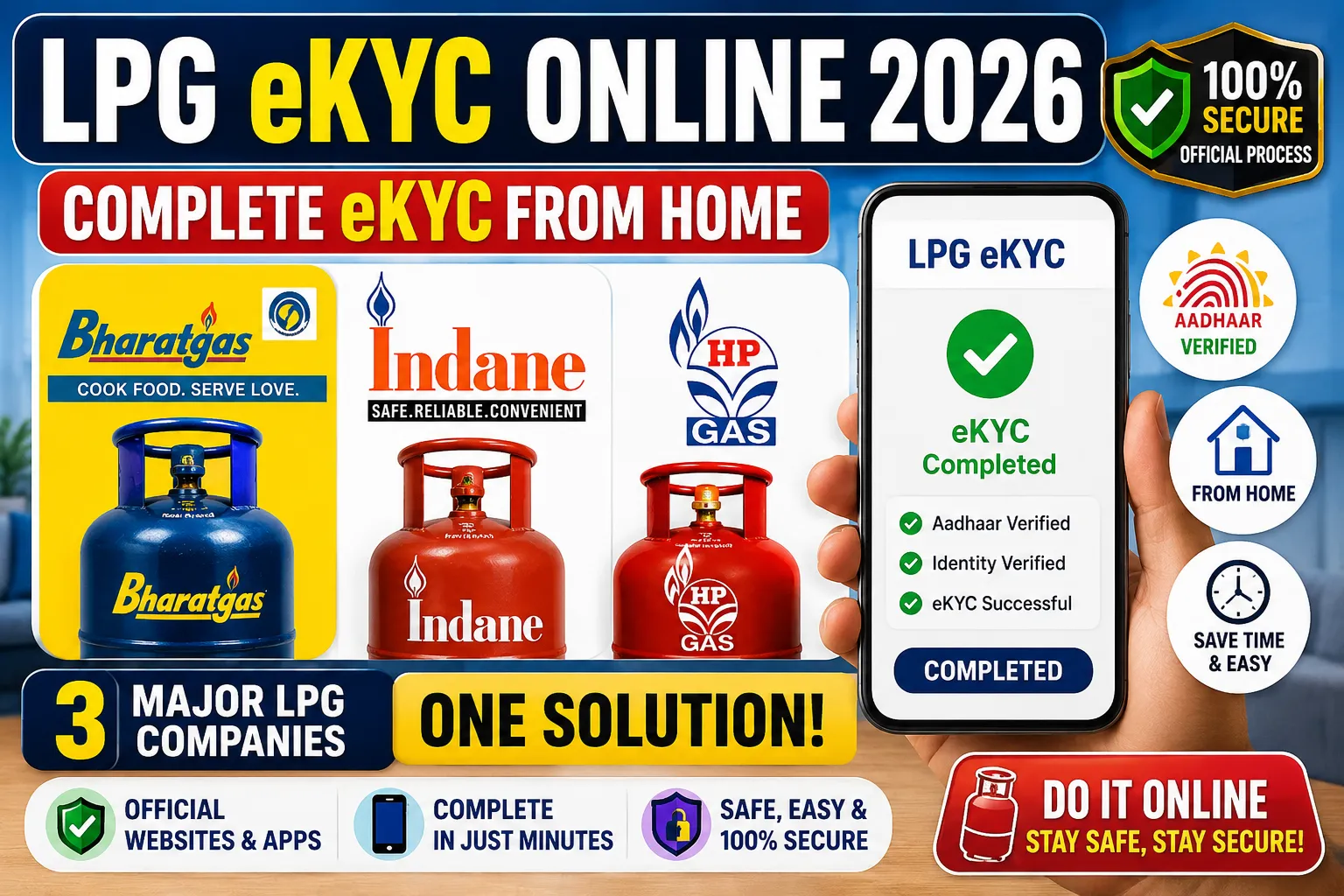
How to Complete eKYC for Bharat Gas, Indane Gas & HP Gas
LPG eKYC Online 2026: Bharat Gas, Indane Gas and HP Gas customers can check and complete Aadhaar authentication and eKYC-related requirements through official digital platforms and mobile applications, depending on their LPG connection and customer category.
Many LPG customers are now searching for information about LPG eKYC online, especially whether they can complete the process from home without visiting their gas agency.
If you are using Bharat Gas, Indane Gas or HP Gas, this detailed guide explains how to check the eKYC process, how Aadhaar-based authentication works, which official websites you should use, and how to stay safe from fake LPG eKYC links.
⚠️ Important: LPG eKYC requirements may vary depending on your connection type, customer category and applicable government scheme. Do not rely on unofficial messages claiming that every LPG connection will immediately be stopped if eKYC is not completed. Always verify the latest requirement through an official LPG website or application.
🔍 What Is LPG eKYC?
eKYC stands for Electronic Know Your Customer.
In simple terms, LPG eKYC is a digital process used to verify the identity and details associated with an LPG connection.
Depending on the service, the verification process may involve Aadhaar authentication.
LPG-related KYC information may include:
- Customer name
- LPG Consumer Number
- Registered mobile number
- Aadhaar details
- Address details
- Identity proof
- Address proof
- Other LPG connection information
The exact eKYC process may be different for Bharat Gas, Indane Gas and HP Gas.
📱 Can LPG eKYC Be Completed Online?
Yes, eligible LPG customers can use official digital channels for Aadhaar authentication and eKYC-related services.
The Government’s official PMUY website provides information about Self Face-based Biometric Aadhaar Authentication (eKYC).
The official process can involve the LPG Oil Company’s mobile application along with the Aadhaar FaceRD application.
This means eligible customers may be able to complete the authentication process using a smartphone instead of immediately visiting an LPG distributor.
However, the exact availability of the service depends on your LPG connection and the current services provided by your oil company.
🇮🇳 Official Government LPG eKYC Link
🟠 Bharat Gas eKYC Online 2026
Bharat Gas is the LPG service operated by Bharat Petroleum Corporation Limited (BPCL).
Bharat Gas customers can use the official Bharat Gas online platform for various LPG-related services.
📲 How to Check Bharat Gas eKYC Online
Follow these general steps:
Step 1️⃣ – Open the Official Bharat Gas Website
Visit the official Bharat Gas LPG services portal.
Step 2️⃣ – Access Your LPG Account
Log in to your consumer account if required.
Step 3️⃣ – Check Your Consumer Details
Verify that your LPG consumer information and registered mobile number are correct.
Step 4️⃣ – Look for eKYC or Aadhaar Authentication
If an eKYC or Aadhaar authentication option is available for your connection, select it.
Step 5️⃣ – Complete Verification
Follow the instructions displayed by the official website or application.
Step 6️⃣ – Complete Face Authentication if Available
If face-based Aadhaar authentication is available for your connection, follow the official instructions.
Step 7️⃣ – Check Your Status
After completing the process, check whether your authentication or eKYC status has been updated.
🔗 Bharat Gas Official Website
Bharat Gas – Official LPG Services
⚠️ Security Tip: Do not enter your Aadhaar number or OTP on unofficial Bharat Gas websites.
🔵 Indane Gas eKYC Online 2026
Indane LPG is the LPG service of Indian Oil Corporation Limited (IndianOil).
Indane customers can access LPG-related services through official IndianOil digital platforms.
📲 How to Check Indane Gas eKYC
Step 1️⃣ – Visit the Official IndianOil Platform
Open the official IndianOil website or use the official IndianOil mobile application.
Step 2️⃣ – Access Your LPG Account
Log in using the details requested by the official platform.
Step 3️⃣ – Check for Aadhaar Authentication
Look for an available eKYC or Aadhaar authentication option.
Step 4️⃣ – Start the Verification
Select the appropriate option and follow the instructions displayed by the official service.
Step 5️⃣ – Complete Authentication
If face-based authentication is available, complete the process according to the official instructions.
Step 6️⃣ – Check the Status
After authentication, check your account to confirm whether the status has been updated.
🔗 Indane / IndianOil Official Website
⚠️ Always use official IndianOil platforms when providing personal or Aadhaar-related information.
🟢 HP Gas eKYC Online 2026
HP Gas is operated by Hindustan Petroleum Corporation Limited (HPCL).
HP Gas customers can use HPCL’s official LPG services for consumer-related activities and available Aadhaar authentication services.
📲 How to Check HP Gas eKYC
Step 1️⃣ – Open the Official HP Gas Website
Visit the official HPCL LPG service page.
Step 2️⃣ – Access Your Consumer Account
Log in using the information requested by the official platform.
Step 3️⃣ – Look for eKYC/Aadhaar Authentication
Check whether an Aadhaar authentication or eKYC option is available.
Step 4️⃣ – Start Verification
Enter only the information requested by the official website.
Step 5️⃣ – Complete Authentication
Follow the verification instructions provided by the official platform.
Step 6️⃣ – Complete Face Authentication if Available
If face-based Aadhaar authentication is available, follow the instructions displayed on your device.
Step 7️⃣ – Check Your eKYC Status
After completing the verification, check whether your authentication status has been updated.
🔗 HP Gas Official Website
HP Gas – Official HPCL LPG Services
🇮🇳 Government Official LPG eKYC Website
The Government’s official Pradhan Mantri Ujjwala Yojana (PMUY) website provides information about LPG eKYC and Aadhaar-based biometric authentication.
The official eKYC page includes information about:
- Self Face-based Biometric Aadhaar Authentication
- LPG Oil Company mobile applications
- Aadhaar FaceRD
- eKYC instructions
- Official resources
🔗 Official LPG eKYC Page
PMUY Official eKYC Information
🤳 How to Complete LPG Face Authentication eKYC from Your Mobile
For eligible customers, the official face-based Aadhaar authentication process can be completed using the required official applications.
Step 1️⃣ – Install the Official LPG Application
Download the official mobile application associated with your LPG company.
Use only the official application and avoid APK files received through WhatsApp, Telegram or other unofficial sources.
Step 2️⃣ – Log In
Open the application and log in using the details requested by the official service.
Step 3️⃣ – Find the eKYC Option
Look for an option such as:
eKYC / Aadhaar Authentication / Biometric Authentication
The exact wording may vary between applications.
Step 4️⃣ – Start Aadhaar Authentication
Select the relevant authentication option if it is available for your connection.
Step 5️⃣ – Use Aadhaar FaceRD if Required
The official eKYC process may use the Aadhaar FaceRD application for face-based authentication.
Step 6️⃣ – Complete Face Verification
Follow the instructions shown on your smartphone.
Make sure your face is clearly visible to the camera and complete the authentication process.
Step 7️⃣ – Check Your Status
After successful authentication, return to the LPG application and check whether your eKYC or Aadhaar authentication status has been updated.
📄 What Documents or Information Are Required for LPG eKYC?
The requirements may vary depending on your LPG connection and the verification method.
You may need:
✅ Aadhaar Card
✅ LPG Consumer Number
✅ Registered Mobile Number
✅ Smartphone
✅ Internet Connection
✅ Official LPG Mobile Application
✅ Aadhaar FaceRD Application, if required
✅ Additional KYC documents, if requested
Make sure the information you provide matches the details associated with your LPG connection.
⚠️ Is LPG eKYC Mandatory for Everyone?
This is an important question because many messages are circulating online about LPG eKYC.
You may have seen messages saying:
“Complete LPG eKYC immediately or your gas connection will be stopped.”
However, such statements should not automatically be considered applicable to every LPG customer.
The requirement may depend on:
- Type of LPG connection
- Government scheme
- Customer category
- Oil company requirements
- Current government instructions
Therefore, customers should verify their individual status through the official LPG website or application.
🔴 Important Information for PMUY/Ujjwala Beneficiaries
According to the official PMUY FAQ, biometric Aadhaar authentication (eKYC) is mandatory for PMUY/Ujjwala beneficiaries.
If you are a PMUY/Ujjwala beneficiary, you should pay particular attention to the eKYC requirement.
🔗 Official PMUY FAQ
For other LPG customers, check the requirements displayed through the official LPG platform associated with your connection.
💡 Why Is LPG eKYC Important?
Keeping your LPG customer information properly verified can be important for various LPG-related services.
Depending on your connection and applicable services, authentication may be relevant to:
✅ Customer verification
✅ Aadhaar authentication
✅ LPG connection services
✅ Government LPG schemes
✅ Subsidy-related services where applicable
✅ Maintaining accurate consumer information
If your LPG company has specifically requested eKYC or Aadhaar authentication, it is advisable to complete the process through the official channel.
🆚 Bharat Gas vs Indane Gas vs HP Gas eKYC
All three major LPG companies provide digital LPG services, but their websites, applications and interfaces may be different.
| LPG Company | Organisation | Official Digital Services |
|---|---|---|
| 🟠 Bharat Gas | BPCL | ✅ Available |
| 🔵 Indane Gas | IndianOil | ✅ Available |
| 🟢 HP Gas | HPCL | ✅ Available |
The exact eKYC option and procedure may differ depending on the LPG connection and current application version.
🚨 Beware of Fake LPG eKYC Links
As LPG eKYC becomes more widely discussed, customers should also be careful about fake websites, fraudulent messages and malicious applications.
You may receive messages such as:
🚨 “Your LPG connection will be blocked.”
🚨 “Complete eKYC immediately.”
🚨 “Download this APK for LPG eKYC.”
🚨 “Send your Aadhaar OTP to complete verification.”
🚨 “Click this link to avoid cylinder cancellation.”
Do not trust such messages automatically.
❌ Do Not Install Unknown APK Files
Never install an APK file sent through WhatsApp, Telegram, SMS or social media unless you have independently verified that it is an official application.
❌ Never Share OTPs
Never share your Aadhaar OTP, banking OTP or other verification codes with unknown people.
❌ Avoid Unofficial Websites
Do not enter your Aadhaar number, mobile number or LPG account details on suspicious websites.
✅ Use Official Websites and Applications
Always use the official platforms of:
🟠 Bharat Gas / BPCL
🔵 IndianOil / Indane
🟢 HPCL / HP Gas
🇮🇳 Government PMUY
🔗 LPG eKYC Official Links – Quick Access
🇮🇳 Government LPG eKYC
🟠 Bharat Gas
Bharat Gas Official LPG Services
🔵 Indane Gas / IndianOil
🟢 HP Gas
🇮🇳 PMUY Official FAQ
❓ LPG eKYC Frequently Asked Questions
1. Can LPG eKYC be completed online?
Eligible customers can use official digital channels for Aadhaar authentication and eKYC-related services. The exact availability depends on the LPG connection and oil company.
2. Can Bharat Gas customers complete eKYC online?
Bharat Gas customers can access official LPG services online and check whether an eKYC or Aadhaar authentication option is available for their connection.
3. How can Indane customers check eKYC?
Indane customers can use official IndianOil digital services and check their account or application for available Aadhaar authentication and eKYC options.
4. Can HP Gas customers complete eKYC online?
HP Gas customers can use official HPCL LPG services and check whether Aadhaar authentication or eKYC is available for their connection.
5. Is Aadhaar required for LPG eKYC?
Aadhaar authentication is used for certain LPG eKYC processes. The exact requirement depends on the customer category and LPG service.
6. Is eKYC mandatory for PMUY beneficiaries?
Yes. According to the official PMUY FAQ, biometric Aadhaar authentication/eKYC is mandatory for PMUY/Ujjwala beneficiaries.
7. What should I do if LPG eKYC fails?
Check your registered mobile number, Aadhaar information, internet connection, camera permissions and application permissions. If the issue continues, contact your LPG distributor or official customer support.
8. Can I use a third-party website for LPG eKYC?
No. It is strongly recommended to use only official LPG company websites, official applications and Government websites.
9. Can I complete face-based LPG eKYC from my phone?
Eligible customers may be able to use the official LPG application and Aadhaar FaceRD for face-based biometric authentication.
10. Is LPG eKYC the same for Bharat Gas, Indane and HP Gas?
No. The basic purpose may be similar, but the exact procedure, application interface and available services can differ between the three LPG companies.
🏁 Conclusion
LPG eKYC is an important digital verification process for eligible LPG customers, particularly for beneficiaries of certain government LPG schemes.
If you use Bharat Gas, Indane Gas or HP Gas, check your LPG account and official application to determine whether Aadhaar authentication or eKYC is required for your connection.
For eligible customers, the Government’s official PMUY platform provides information about Self Face-based Biometric Aadhaar Authentication (eKYC).
Most importantly, always use official websites and applications when completing LPG eKYC.
🚫 Avoid fake websites.
🚫 Do not install unknown APK files.
🚫 Never share OTPs with anyone.
🚫 Do not provide Aadhaar details on suspicious websites.
🔗 Use the official links provided in this article to access the relevant LPG services.
⚠️ Disclaimer
This article is for general informational purposes only. LPG eKYC requirements, application interfaces, online services and verification procedures may change over time.
The exact requirement may also vary depending on the type of LPG connection, customer category and applicable government scheme.
Readers should verify the latest information through the official websites and applications of Bharat Gas, IndianOil/Indane, HP Gas or the Government of India before completing any KYC or Aadhaar authentication process.
KUBITECHS is not responsible for any loss or issue resulting from the use of unofficial websites, third-party applications or fraudulent links.