
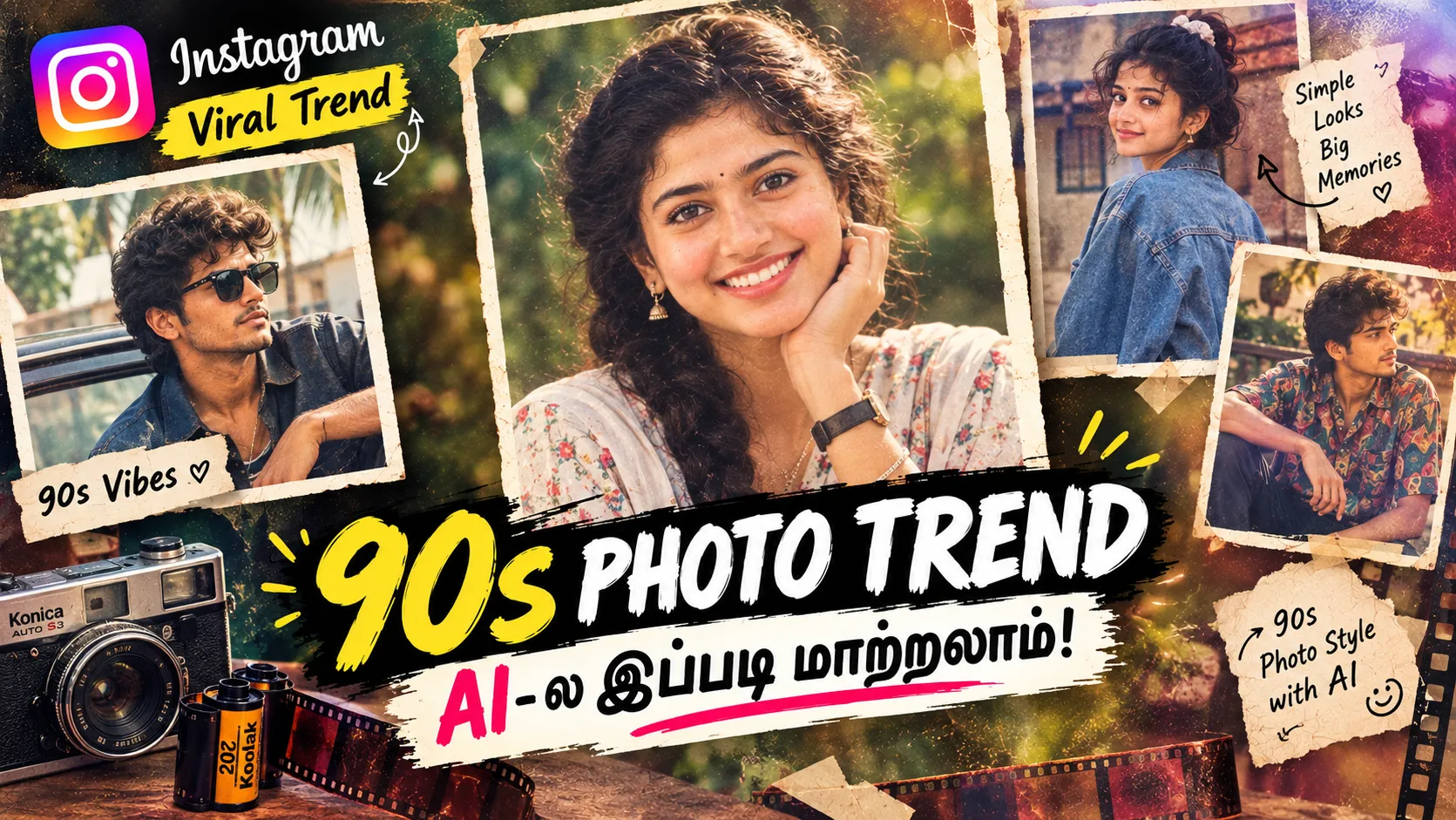
70s & 80s Retro AI Photo Trend
Instagram is once again bringing old-school photography back into the spotlight.
The latest visual trend is all about transforming an ordinary modern photograph into a 1970s or 1980s-inspired retro portrait using AI photo editing tools. From vintage hairstyles and classic outfits to old film colours, studio lighting and nostalgic backgrounds, these AI-generated images are making modern photos look like they were captured decades ago.
What makes this trend interesting is that you don’t need an expensive vintage camera or professional photo studio.
With the right AI image editing app, you can take your existing photo, add a carefully written prompt, and create a convincing retro-style version in just a few steps.
What Is the 70s & 80s AI Photo Trend?
The 70s and 80s AI photo trend is a creative editing style where a modern photograph is transformed into the visual language of an earlier decade.
Instead of simply adding a vintage filter, AI can recreate several elements at the same time:
- Retro clothing styles
- Classic hairstyles
- Old-fashioned backgrounds
- Analog film texture
- Warm vintage colour tones
- Studio portrait lighting
- Film grain
- Period-specific accessories
- Vintage camera aesthetics
- Nostalgic expressions and poses
The final image can look like an old family photograph, a classic studio portrait, a cinema-style promotional photograph, or even a forgotten photograph from the 1970s or 1980s.
That is one of the main reasons this style has become popular for Instagram posts, Reels covers and profile pictures.
Why Is This Retro AI Style Trending?
Modern social media is full of highly polished photographs.
Because of that, images that look different immediately attract attention.
A photograph with a slightly faded film appearance, classic clothing, old-school hairstyle and nostalgic background can create a completely different feeling from a normal smartphone portrait.
The interesting part is the contrast.
Modern face + old-world photography style = a completely new visual experience.
People are using AI to imagine questions such as:
“What would I look like if my photo was taken in 1978?”
or
“How would my current portrait look as an old 1980s studio photograph?”
AI makes these ideas possible without having to recreate an entire vintage photoshoot.
1970s Style vs 1980s Style
Both decades have their own visual identity, so you can experiment with either style.
1970s Retro Look
A 1970s-inspired image usually works well with:
- Warm brown and orange tones
- Slightly faded colours
- Film grain
- Vintage shirts and dresses
- Bell-bottom fashion
- Classic hairstyles
- Wooden or indoor backgrounds
- Soft studio lighting
- Analog camera texture
The overall result should feel warm, natural and nostalgic.
1980s Retro Look
The 1980s can have a more dramatic appearance.
Try elements such as:
- Bold fashion
- Denim and leather styling
- Classic sunglasses
- Retro studio backgrounds
- Stronger flash photography
- Slightly saturated colours
- Vintage television-era aesthetics
- Old cinema-inspired portraits
- Analog film texture
The 1980s look can therefore feel more energetic and cinematic than a typical 1970s portrait.
How to Create the 70s or 80s AI Photo Edit
Creating this type of image is surprisingly simple.
You don’t need advanced Photoshop skills.
Step 1 – Choose Your Photo
Start with a clear portrait photograph.
A front-facing or slightly angled photograph with good lighting usually works well because the AI can understand the face more clearly.
For the best identity preservation, use a photograph where:
- The face is clearly visible
- The image is not heavily blurred
- The eyes are visible
- The original facial features are easy to recognize
Step 2 – Open an AI Photo Editing App
Use an AI image editing application that supports image-to-image editing or prompt-based photo transformation.
Upload your original photograph and select the AI editing feature.
The exact buttons can be different depending on the application, but the basic process is generally similar.
Step 3 – Add a Retro Prompt
This is where the real transformation happens.
Instead of simply writing:
“Make my photo vintage.”
give the AI more visual information.
For example:
1970s prompt:
Transform this photograph into a realistic 1970s studio portrait. Preserve the person’s exact facial identity, facial structure, skin tone and natural expression. Add authentic 1970s clothing, classic hairstyle, warm analog film colours, subtle film grain, vintage studio lighting and a realistic old-camera photography texture. Make the image look naturally photographed during the late 1970s, not like a modern photo with a filter.
For an 80s version:
Transform this photograph into an authentic 1980s portrait photograph. Keep the person’s exact face and identity unchanged. Add realistic 1980s fashion, classic hairstyle, vintage studio background, analog camera flash, subtle film grain, slightly saturated colours and realistic retro photography texture. The final image should look like an original photograph captured during the 1980s.
The Most Important Part: Keep the Same Face
One common problem with AI photo editing is that the generated person can look like a completely different individual.
If your goal is a personal Instagram trend, this can ruin the result.
Therefore, your prompt should clearly mention identity preservation.
Useful instructions include:
- Keep the exact face
- Preserve facial identity
- Do not change facial structure
- Keep the same skin tone
- Preserve natural facial proportions
- Do not create a new face
- Keep the original person recognizable
- Preserve the original expression unless requested otherwise
This tells the AI that the goal is to change the era and visual styling, rather than replacing the person.
Don’t Overload the Prompt
Another useful trick is to avoid putting too many unrelated instructions into one prompt.
The main idea should remain clear:
Original photograph → Retro decade transformation
For example, if you want an authentic 1970s portrait, focus on the photography style, clothes, hairstyle, lighting and background.
Adding too many modern cinematic effects can make the result look like a present-day AI image instead of an actual retro photograph.
Make It Look Like a Real Old Photograph
The biggest difference between a simple vintage filter and a convincing AI retro image is photographic detail.
Ask the AI for realistic elements such as:
Analog film grain + natural skin texture + vintage lens characteristics + period-appropriate lighting + slightly faded colours + authentic photographic imperfections.
These small details can make the generated image feel much more believable.
A good retro photograph shouldn’t look perfectly clean.
A little grain, subtle softness and natural colour variation can actually make the image more convincing.
Try a Vintage Family Album Concept
One creative variation is to make your photo look like it came from an old family album.
For example:
Create a realistic 1970s family-album photograph using this reference image. Preserve the person’s exact facial identity and natural appearance. Give the photograph authentic vintage clothing, a simple old-fashioned indoor setting, warm analog film colours, subtle grain, slightly faded print texture and natural camera imperfections. The result should feel like a genuine family photograph discovered inside an old photo album.
This can create a much more emotional result than a standard “retro filter.”
Try a Classic Cinema Portrait
Another interesting approach is to recreate the atmosphere of old cinema photography.
You can ask the AI for:
- Classic studio portrait lighting
- Period-specific clothing
- Vintage cinema backdrop
- Analog film photography
- Dramatic but natural expression
- Old promotional-photo aesthetics
This style works particularly well for Instagram because the resulting image can have a strong poster-like appearance.
Turn One Photo Into Multiple Decades
You don’t have to stop with one version.
Use the same original photograph and create multiple variations:
Version 1: 1970s family portrait
Version 2: 1970s studio photograph
Version 3: 1980s cinema portrait
Version 4: 1980s fashion photograph
Version 5: Old-school street photograph
Then upload them as an Instagram carousel.
This gives your followers a fun comparison:
“Which decade suits me better?”
That type of interactive caption can also encourage comments.
Best Aspect Ratio for Instagram
For Instagram, the output size depends on how you plan to publish the image.
For a feed portrait, a 4:5 composition can work well.
For Stories and Reels, a 9:16 vertical composition is usually more suitable.
If you’re creating a website thumbnail, you can also prepare a 16:9 horizontal version separately.
Instead of forcing one image into every format, generate the composition specifically for the platform where you are going to use it.
Why AI Makes This Trend Different From Normal Filters
Traditional filters mainly modify the existing image.
AI editing can go much further.
It can reinterpret:
clothing + hairstyle + environment + lighting + photographic era + colour science + background
while attempting to maintain the person’s identity.
That is why an AI-generated 1970s photograph can feel much more dramatic than simply applying a sepia filter.
The goal isn’t to make the photo “old.”
The goal is to make it look like it was originally photographed in that era.
Final Thoughts
The 70s and 80s retro AI photo trend is a great example of how AI image editing is changing social media creativity.
You don’t need an old photograph to create an old-fashioned visual.
Start with a modern photo, choose your preferred decade, write a detailed prompt, protect the original facial identity and let the AI rebuild the visual style around it.
Whether you prefer the warm nostalgic feeling of the 1970s or the bold photographic style of the 1980s, you can experiment with several variations and find a look that feels completely different from your original photograph.
So, if you’re seeing these retro images trending on Instagram, you can try the same concept yourself.
Take one photo. Pick a decade. Add the right AI prompt. Create your own retro story.
And the best part?
You don’t need to be a professional photo editor to get started.