
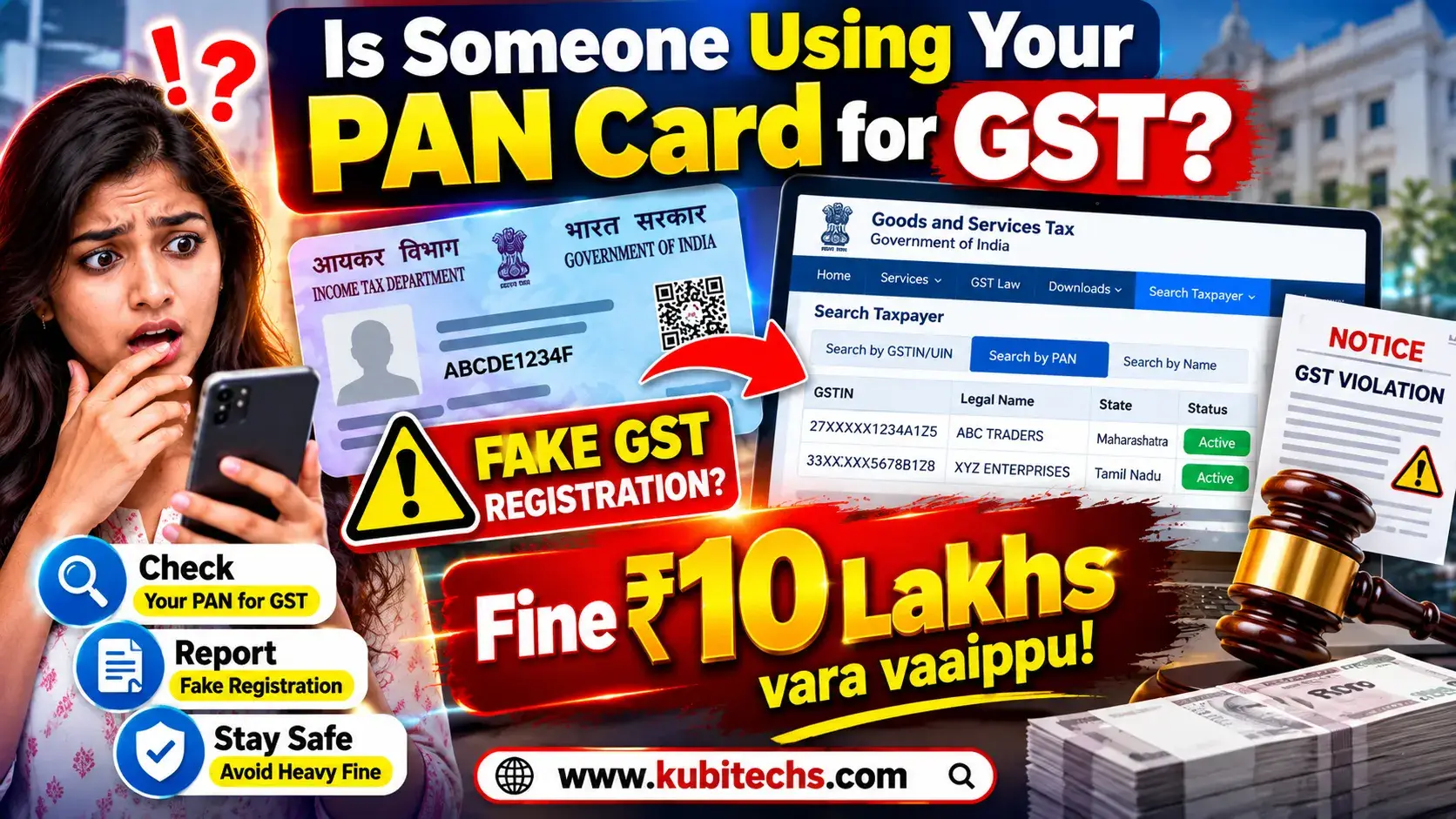
PAN Card GST Registration Check
Have you ever wondered whether someone has used your PAN Card without your knowledge to obtain a GST Registration?
If you have never registered for GST, but a GSTIN is showing under your PAN, it is important to verify the details and report any unauthorized registration through the official GST portal.
In this guide, we will explain how to check GST registration using your PAN number, how to identify an unknown GSTIN, how to report PAN misuse, and what you should do to protect yourself.
Important: Always use the official GST Portal for checking and reporting GST-related information. Avoid entering your PAN details on unknown third-party websites.
Can Someone Use My PAN Card to Get GST Registration?
Your PAN is an important financial identity document. GST registration is linked to PAN information.
If someone fraudulently uses your PAN details while obtaining GST registration, you may find an unfamiliar GSTIN associated with your PAN.
For this reason, GST provides a Search by PAN facility that can be used to check whether GST registrations are associated with a particular PAN.
If you find a GST registration that you did not apply for or authorize, you can use the GST portal’s reporting facility to inform the concerned GST authorities.
How to Check GST Registration Using PAN Card
You can check whether GST registrations are associated with your PAN through the official GST website.
Step 1: Visit the Official GST Website
Go to the official GST Portal:
Official GST Website:
https://www.gst.gov.in/
Do not use unofficial websites to enter your PAN number.
Step 2: Open “Search Taxpayer”
On the GST Portal, look for the:
Search Taxpayer
option.
Select it to access the taxpayer search services.
Step 3: Select “Search by PAN”
Under the taxpayer search options, select:
Search by PAN
This facility allows you to check whether GSTINs have been issued against a particular PAN.
Step 4: Enter Your PAN Number
Enter your 10-character PAN number carefully.
For example:
ABCDE1234F
The above is only an example. Never publish your real PAN number in a public article, comment section, social media post or website.
Step 5: Enter the CAPTCHA
Enter the CAPTCHA displayed on the screen and proceed with the search.
What Will You See After Searching Your PAN?
If GST registrations are associated with your PAN, the GST portal may display relevant registration information.
Depending on the available records, you may be able to see details such as:
- GSTIN
- Legal Name
- Trade Name
- State
- Registration Date
- Registration Status
- Taxpayer Type
- Jurisdiction
Carefully compare these details with your own business or GST registrations.
What If “No Records Found” Appears?
If the GST Portal shows:
“No records found”
it generally means that no GST registration record was found for the PAN you searched.
If you already have a GST registration but it is not appearing, double-check the PAN you entered and verify your registration details through the official GST Portal.
What If You Find an Unknown GSTIN Under Your PAN?
This is the most important part of the process.
Suppose you search your PAN and find a GST registration that:
- You never applied for
- You do not recognize
- Does not belong to your business
- Has an unfamiliar trade name
- Shows an unfamiliar business address
- Was registered in a state where you do not operate
Do not simply ignore it.
First, carefully verify the details to make sure it is genuinely unauthorized.
If you confirm that the GST registration was not obtained by you or authorized by you, you should report the suspected PAN misuse through the official GST Portal.
How to Report Unauthorized GST Registration Using Your PAN
GST provides a mechanism to report suspected misuse of PAN for GST registration.
Step 1
Visit:
Step 2
Go to:
Search Taxpayer → Search by PAN
Step 3
Enter your PAN number and complete the verification.
Step 4
Check the GST registrations associated with your PAN.
Step 5
If you find a GSTIN that you did not obtain, use the available Report / Select to Report option for the relevant registration.
Step 6
Complete the required verification and submit the report.
GSTN’s official guidance states that complaints regarding suspected misuse of PAN can be reported through the GST portal and are forwarded to the relevant jurisdictional GST authority for necessary action.
What Information May Be Required?
During the reporting process, you may be asked to provide information required to verify your identity and the PAN involved.
Depending on the circumstances and the type of PAN, the process may involve details such as:
- PAN
- Legal name
- Date of birth
- Address
- Mobile number
- Email address
- Other verification information
Make sure the information you provide is accurate.
Will the Fake GST Registration Be Removed Immediately?
Not necessarily.
Submitting a report does not mean that the GST registration will instantly disappear from the GST system.
The reported matter can be sent to the appropriate jurisdictional GST authority for verification and further action.
The authority may examine the registration and take appropriate action according to the applicable GST rules and procedures.
Therefore, after submitting a report, keep any acknowledgement, reference number, screenshots and relevant documents safely.
Take Screenshots Before Reporting
If you discover an unfamiliar GST registration, it is a good idea to preserve evidence before submitting your complaint.
Take screenshots showing:
- PAN search result
- Unknown GSTIN
- Legal name
- Trade name
- Registration status
- Registration date
- State
- Jurisdiction
Also save any complaint acknowledgement or reference number provided after submitting the report.
These records may be useful if you need to follow up with the GST authorities.
What Should You Do If Someone Has Misused Your PAN?
If you confirm that someone has used your PAN without authorization, consider taking the following steps.
1. Report the GST Registration
Use the official GST Portal’s PAN misuse reporting facility.
2. Keep All Evidence
Save screenshots, GSTIN details, emails, messages and complaint reference numbers.
3. Check Your Tax Records
If you suspect broader misuse of your PAN, review your relevant tax information and look for transactions or records that you do not recognize.
4. Contact the Appropriate Authority
For GST-related issues, follow up with the relevant GST jurisdictional authority.
If you find an unrelated issue involving your Income Tax records, use the appropriate Income Tax Department grievance or reporting process.
5. Do Not Try to Delete the GSTIN Yourself
If the GST registration belongs to someone else and was created using your PAN, do not attempt to modify or manipulate the registration yourself.
Report the suspected misuse through the official process and allow the concerned authority to investigate.
How to Protect Your PAN Card From Misuse
Prevention is also important.
Don’t Share Your PAN Unnecessarily
Only provide your PAN details when they are genuinely required for a legitimate purpose.
Avoid Uploading Your PAN Publicly
Do not post a clear image of your PAN Card on:
- WhatsApp groups
- Telegram groups
- Public websites
- Online forums
Use a Watermark When Appropriate
When you need to provide a PAN copy for a specific purpose, consider using an appropriate watermark such as:
“For [Purpose] Only”
This can help communicate that the document was provided for a specific purpose.
Check Your Records Periodically
It is good practice to periodically check important financial and tax records for anything you do not recognize.
Why Should You Check Your PAN for GST Registration?
Many people only think about PAN misuse after receiving a suspicious message, tax notice or other unexpected communication.
Checking your PAN against GST registrations can help you identify an unfamiliar registration earlier.
If you have never registered for GST but discover an unknown GSTIN associated with your PAN, investigate it promptly instead of ignoring it.
Official GST Links
GST Official Portal
Use the official GST website for taxpayer searches and GST-related services.
GST Registration User Guide
https://tutorial.gst.gov.in/userguide/registration/Apply_for_Registration_Normal_Taxpayer.htm
GSTN Guide on Misuse of PAN
https://tutorial.gst.gov.in/downloads/news/misuseofPANdocument.pdf
The GSTN guide explains the process for searching GST registrations using PAN and reporting registrations that are suspected to have been obtained using a person’s PAN without authorization.
Frequently Asked Questions
How can I check whether my PAN is linked to a GST registration?
Visit the official GST Portal and use Search Taxpayer → Search by PAN. Enter your PAN and complete the required verification.
Can I check GST registration using only my PAN?
Yes. The GST Portal provides a Search by PAN facility for checking GST registrations associated with a PAN.
What should I do if I find a GSTIN that I never applied for?
First verify that the GSTIN genuinely does not belong to you. If it is unauthorized, use the GST Portal’s available reporting facility to report the suspected misuse of your PAN.
Will reporting the GSTIN automatically delete it?
No. Reporting the registration does not necessarily mean immediate deletion. The complaint can be forwarded to the relevant GST jurisdictional authority for verification and further action.
Can I remove the GST registration myself?
If the registration was fraudulently created by someone else using your PAN, you should not attempt to manipulate the registration yourself. Report the suspected PAN misuse through the official GST process.
Is it safe to enter my PAN on the GST website?
Use the official GST Portal and make sure you are on the genuine gst.gov.in website. Avoid entering sensitive PAN information on unknown third-party websites.
Final Words
Your PAN Card is an important financial identity document, so it is worth checking whether any unexpected GST registration is associated with it.
If you have never registered for GST, you can use the official GST Portal’s Search by PAN facility to check for GST registrations linked to your PAN.
If you discover a GSTIN that you did not apply for, do not ignore it. Save the relevant details and use the official GST Portal’s reporting facility to notify the appropriate GST authorities.
Most importantly, never share your PAN details on suspicious websites or with unknown people.
Always use the official GST Portal for GST-related searches, complaints and services.
Official GST Portal:
https://www.gst.gov.in/